Takataka - Text Editor
A downloadable editor for Windows
Takataka - Text Editor
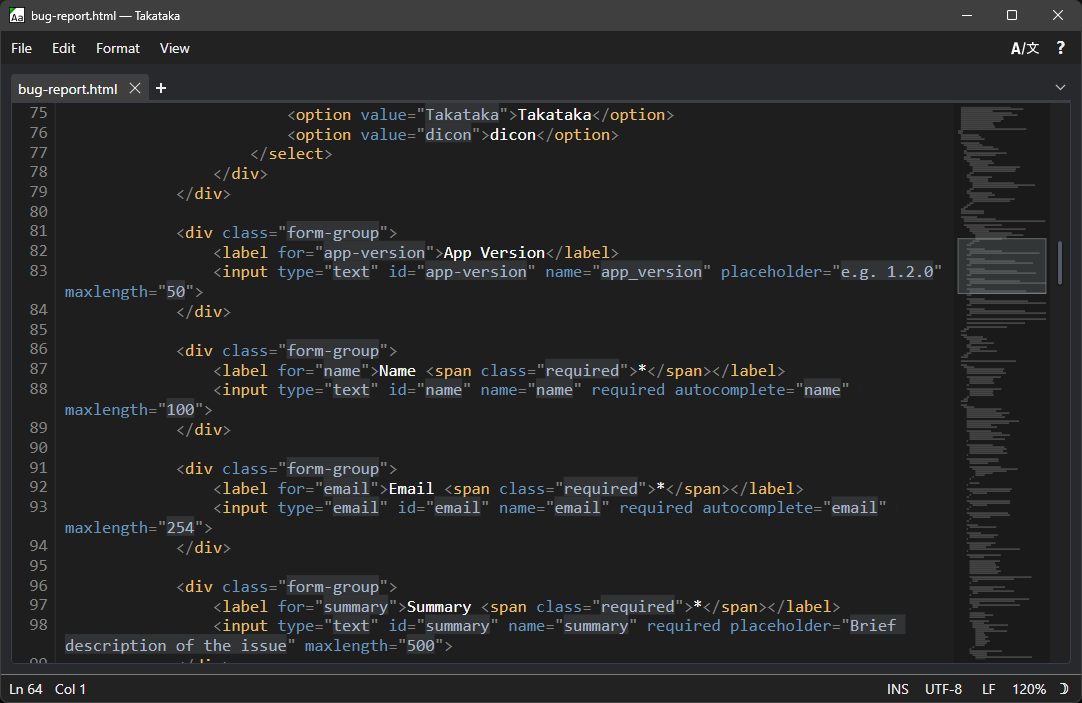
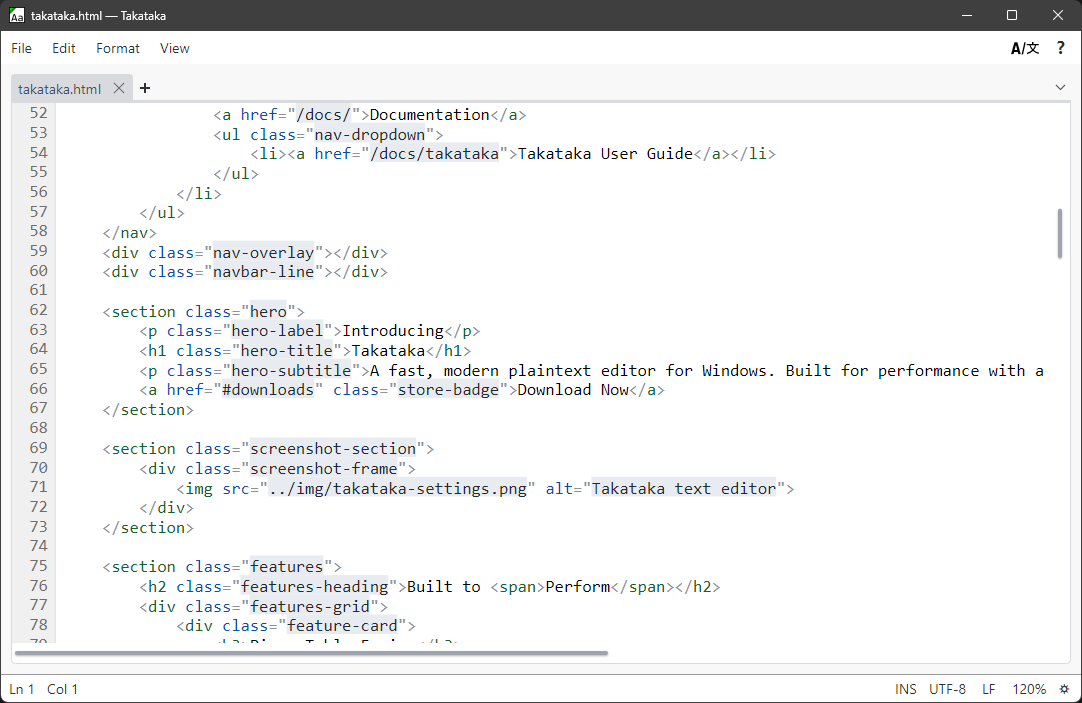
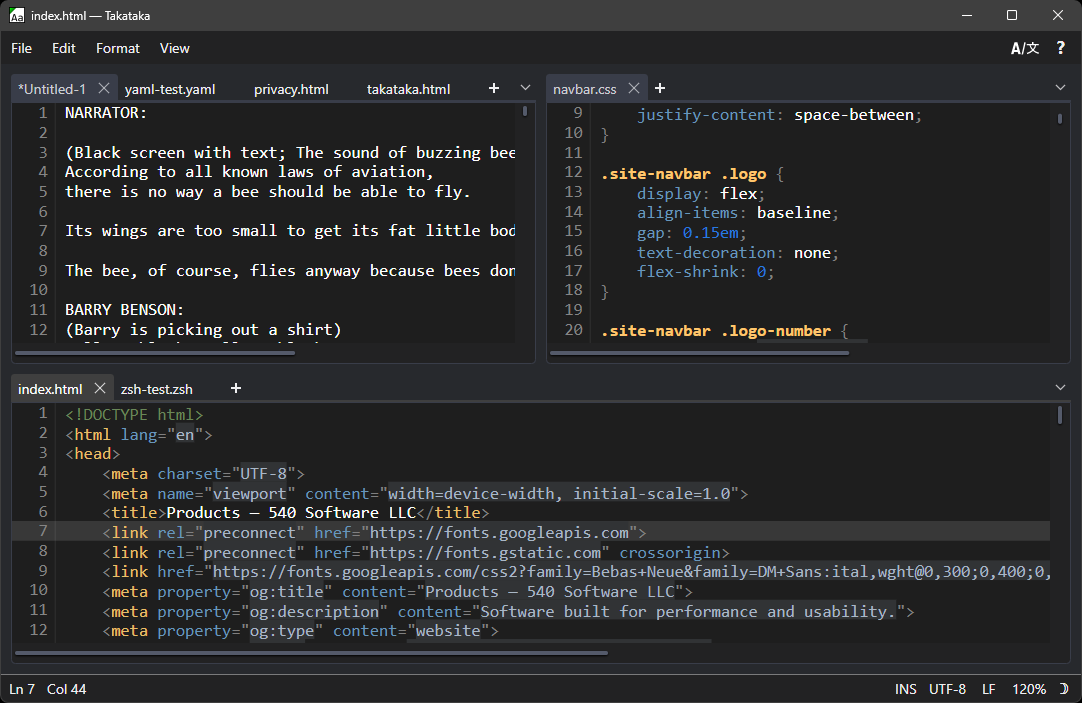
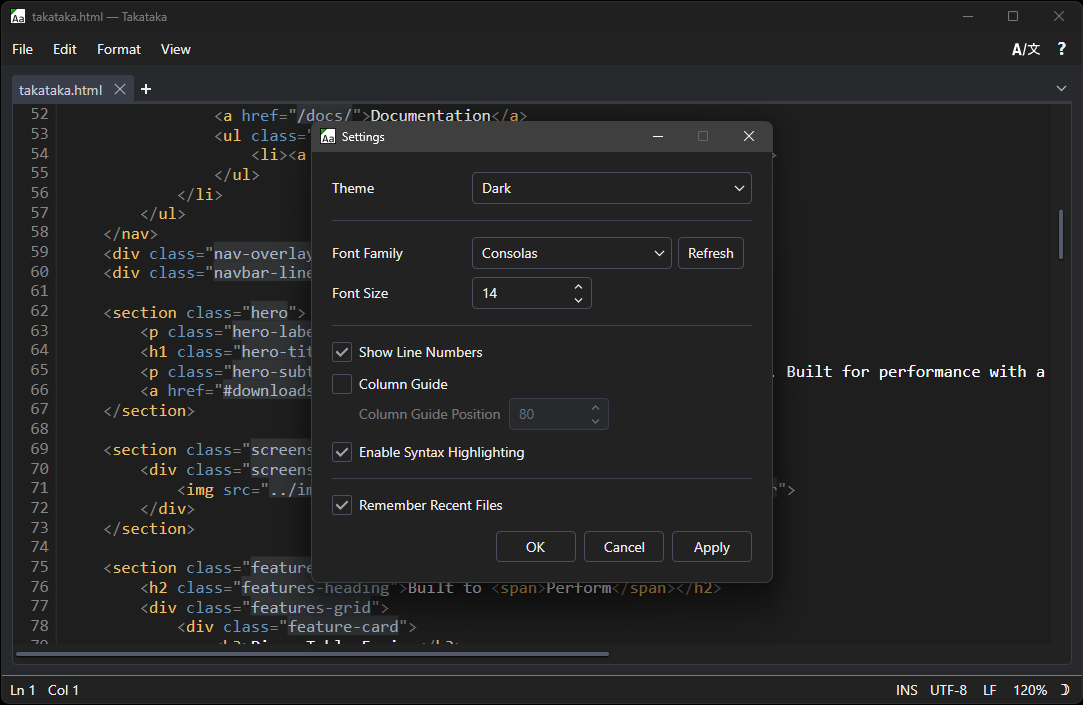
Takataka is a free and fast, lightweight text editor for Windows designed around everyday usability. Whatever you're doing, Takataka is designed to stay out of your way and let you do it. Set up whatever crazy split tab layout you want, break tabs out into their own new windows, or open a file with millions upon millions of lines with no slowdown.
No weird markdown security holes and no Copilot button.
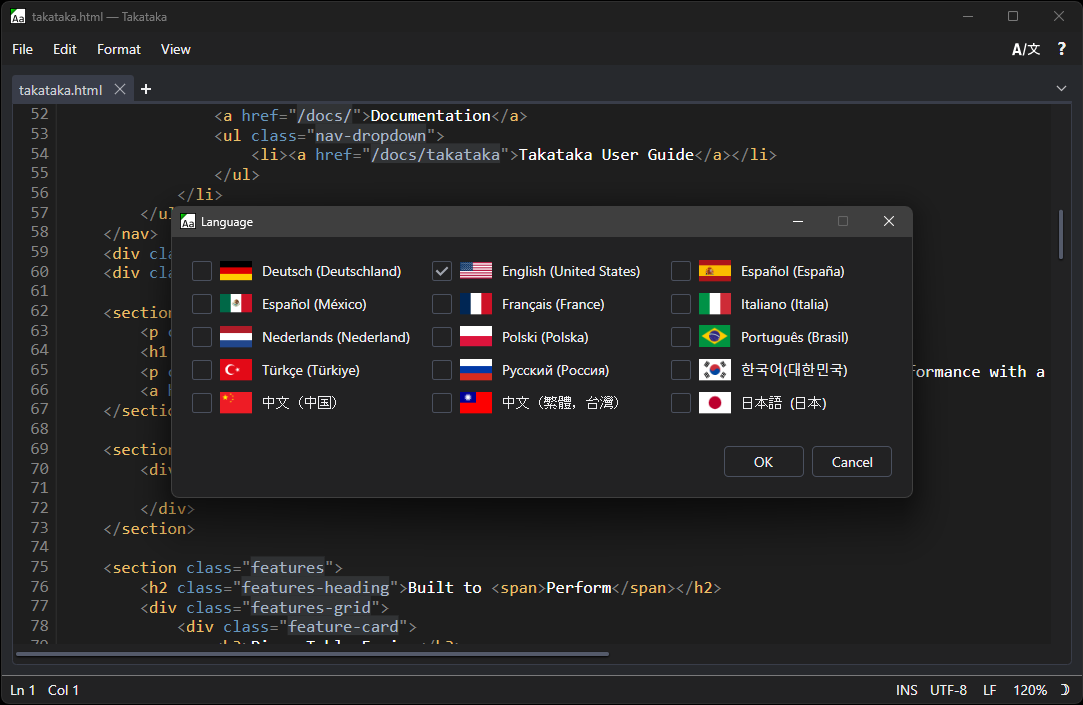
Built in language support for: English, French, Italian, German, Spanish (Mexico and Spain), Simplified Chinese, Traditional Chinese, Japanese, Korean, Brazilian Portuguese, Russian, Turkish, Dutch, and Polish.
1.3.2.0 Update - 7/16/2026
- Added document minimap
- Encoding selection from the status bar
- Lossy-encoding warnings when selecting encodings that conflict with the content
- Fixed an issue that prevent tab navigation in the find/replace popup.
- Minor updates to the installer application
1.4.0.0 Update - 7/24/2026
- Added "To Uppercase" and "To Lowercase" functions
- Added middle click to auto-scroll large documents
- Added go to Line/Column functionality
- Added per-document language tokenizer mode override
- Corrected some undo/redo behavior that could break in edge cases with multiple documents
- Corrected a bug that would prevent the Find/Replace dialog from scrolling the document to the first match
- Made tokenizer accuracy revisions across most tokenizers
Download
Click download now to get access to the following files:
Also available on